
WordPress Installation
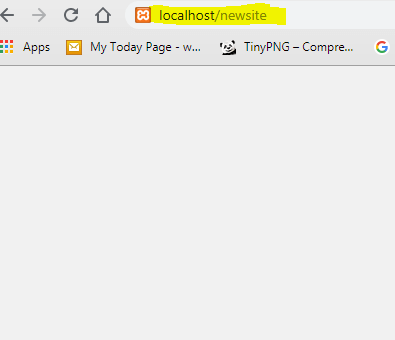
For installing the WordPress go to browser Address Bar and type your WordPress Root Folder name(Where your WordPress files are stored) :
Like : localhost/newsite (here newsite is the root folder name)
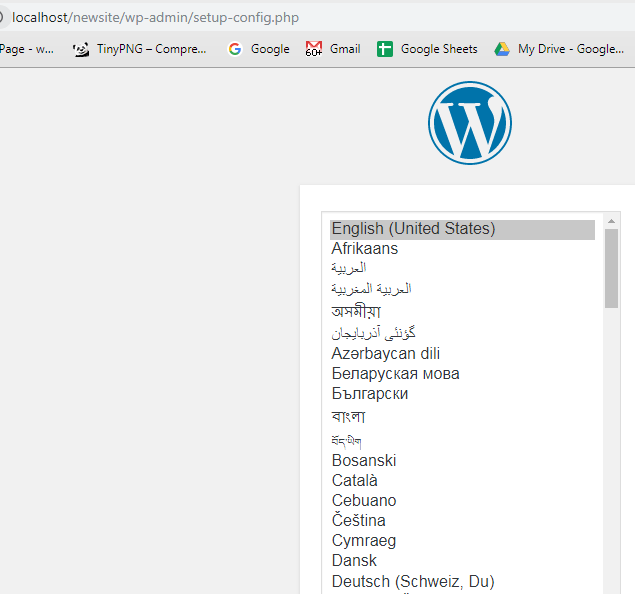
Now select your language and click Continue:
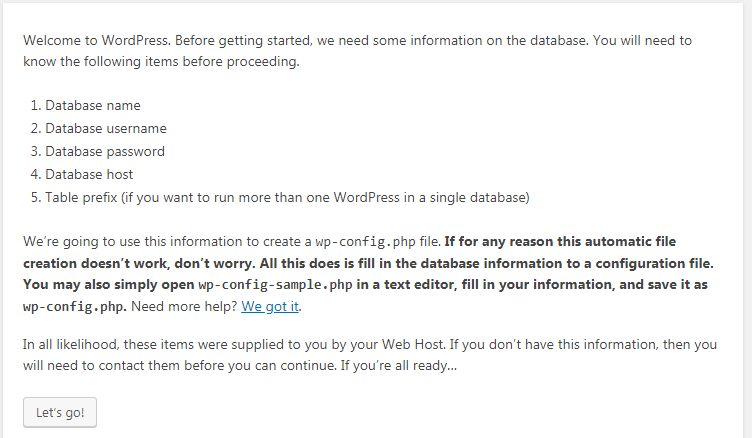
Click on Let’s go:
Now type the required information :
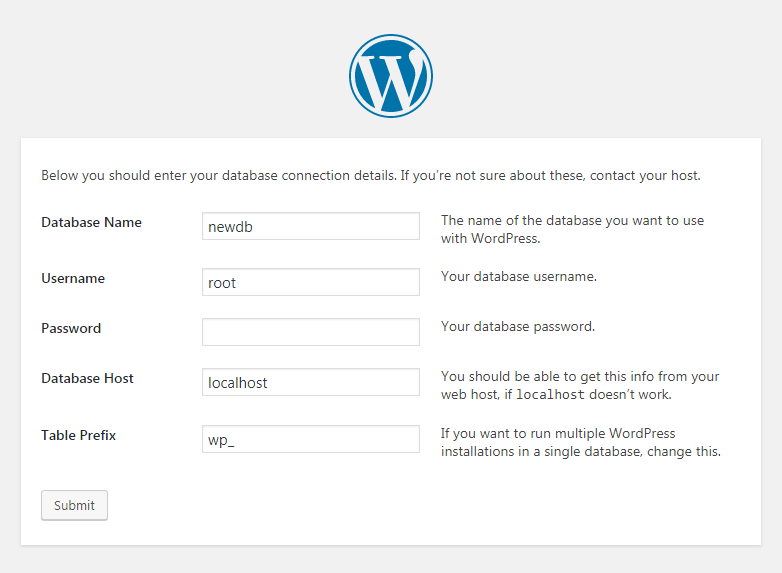
Database Name : yourdatabasename
Username : root (Bydefault the username of localhost will be root)
Password : Leave Blank (if you are installing it online then use username and password)
Database Host : localhost
Table Prefix : _wp
Click on Submit
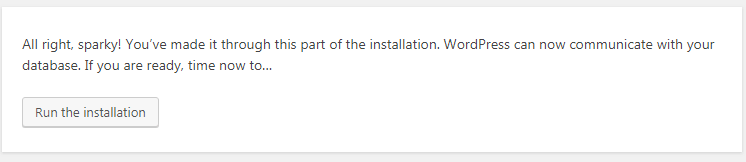
Click on Run Installation :
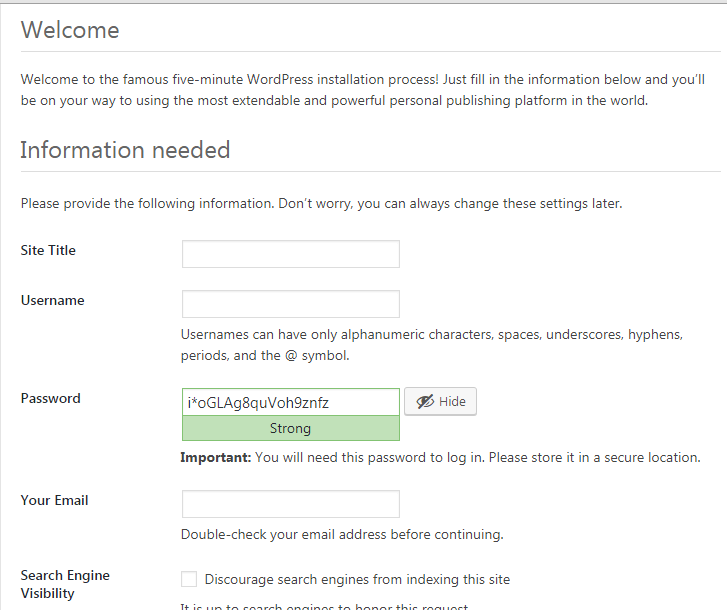
Now setup your Site Title and Create your username and password and click on Install WordPress:
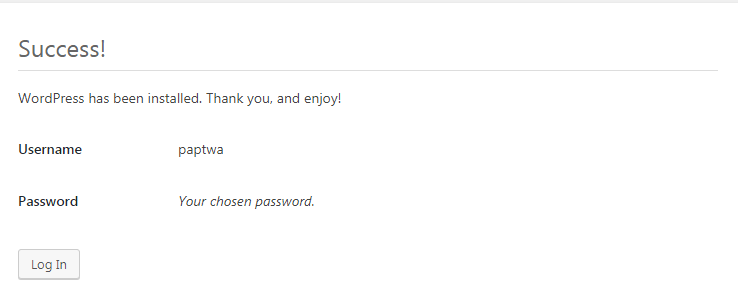
Now click on Login using your username and password :
Downloads : 2199 times
