
Xampp Installation
After downloading the Xampp from the website you need to install it in your computer system.
For installation the xampp in your computer follow the instructions below:
Step 1: Double click on download (.exe) file or you can right click on file and press open.
Step 2: Click on Next.
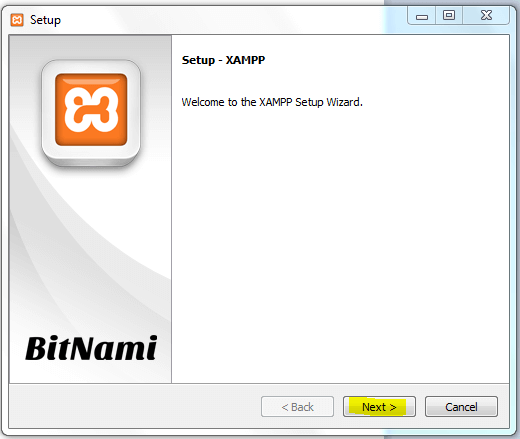
St. 3: Click Next till starting the installation.
St. 4: After complete the setup click Finish.
St. 5: Start Control Panel of Xampp following these steps :
Click on Start -> All Programs -> XAMPP -> XAMPP Control Panel
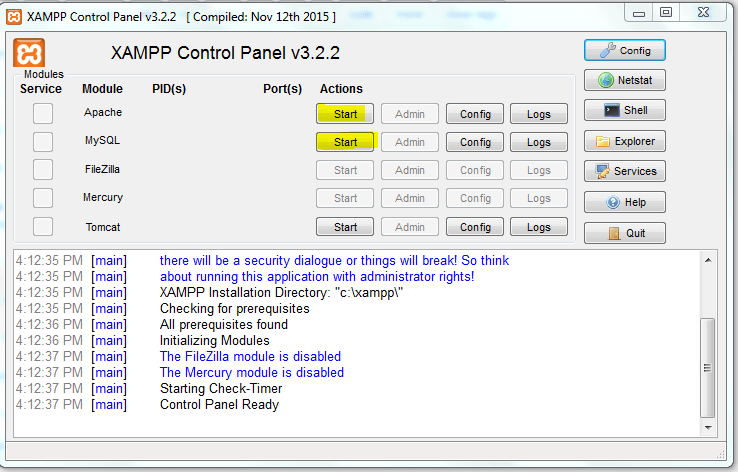
St. 6: Click on Start for Starting the Services of Xampp Server.
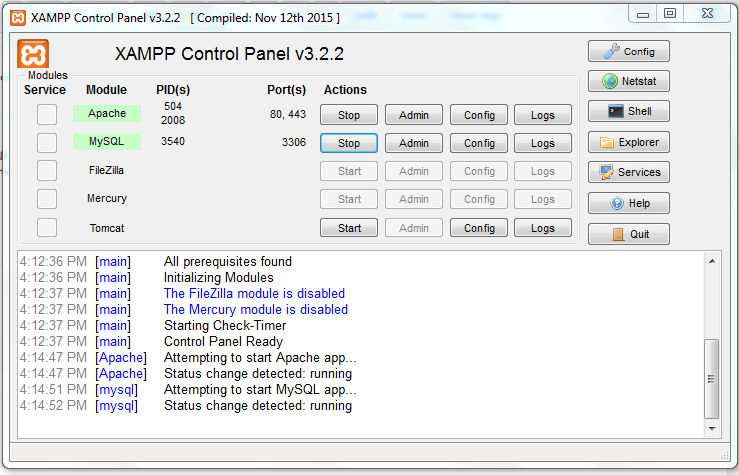
St. 7: You will see green background after started the service.
Downloads : 3117 times
