
WordPress Theme Change
A Theme in WordPress is a progression of formats and templates used to diagram a WordPress fueled site’s appearance and show. Theme can be changed, overseen, and conveyed from the WordPress organization zone WordPress.org has in its Themes Catalog arrangement of free ones.
How to change theme in WordPress:
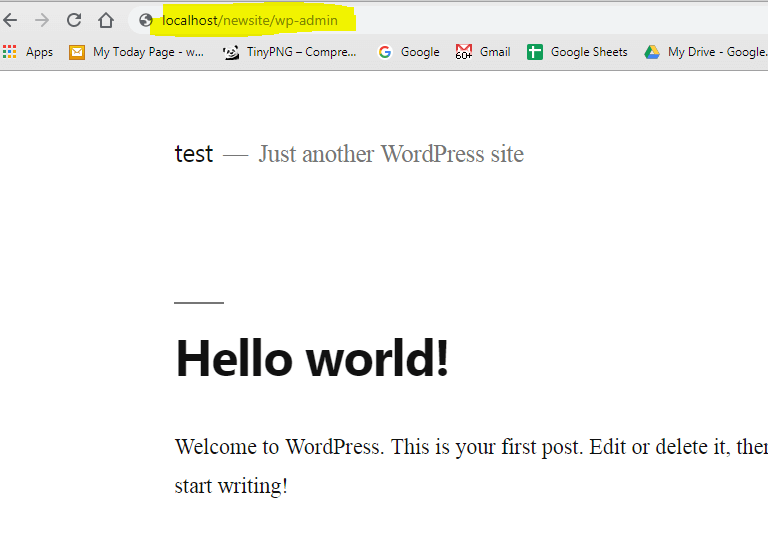
Step 1: Go to Address bar and login your Backend of your website:
Type : localhost/yoursiterootfoldername/wp-admin
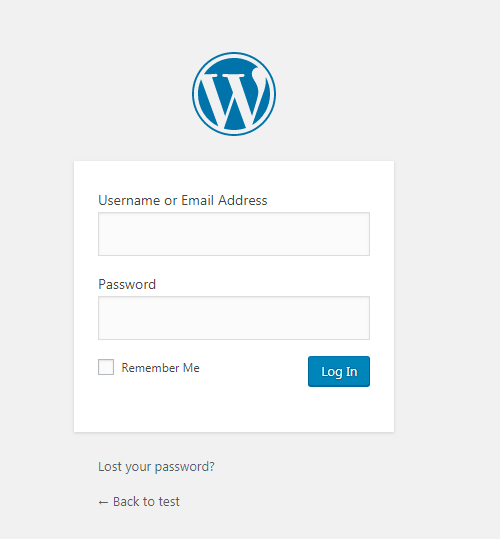
Step 2 : Login using your credentials :
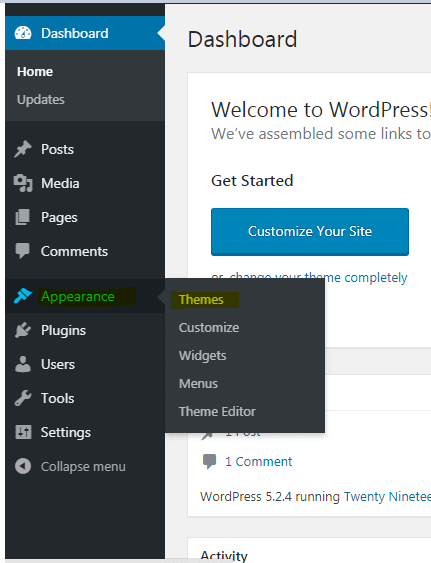
Step 3: Now go to Appearance and select Themes:
Step 4: Now Select your theme and click Activate
Downloads : 3200 times
